Dashboard
Student Portal Dashboard
Student Management Dashboard
student-portal.app
Step 01: 1. Overview
A dashboard interface for student-focused workflows, designed around navigation clarity and information density.
A student-focused workspace that balances information density with straightforward navigation.
Area Details Project Student dashboard frontend concept Contribution Frontend implementation, interface composition, and interaction design Status Frontend portfolio project Student Portal Dashboard is an interface concept for presenting student-oriented information in a structured workspace. The related Vite repository contains dashboard and login pages, providing a compact application boundary.
The project focuses on how a student finds and scans information rather than treating the dashboard as a purely decorative layout.
Step 02: Features
- Dashboard UI for student data workflows
- Navigation patterns tailored to admin tasks
- Responsive tables and content sections
- Role-oriented layout organization
- Clear emphasis on operational readability
- Scalable structure for future modules
Step 03: 2. The problem
Dashboard users often need to see several information areas at once. Too little structure makes the page difficult to scan; too much decoration increases density without adding clarity.
The challenge was to organize student-facing content with consistent sections and navigation.
Step 04: 3. Users and responsibilities
User Responsibility Primary user Understand the available information and complete the page’s main task Site owner Present a coherent product or professional identity Step 05: 4. Product workflow
- Open account entry.
- Enter dashboard.
- Scan grouped information.
- Navigate to the relevant area.
The flow above describes the product journey. The following sections explain the implementation and the boundaries of this case study.
Step 06: 5. Core capabilities
Capability How it appears in the product Dashboard A dedicated student-oriented workspace Login An account-entry page in the source Information layout Readable grouping of dashboard content Navigation Consistent interface structure Step 07: 6. Implementation and architecture
The inspected vite-student-portal source is a React/Vite application with Tailwind configuration. It separates components from pages, with Dashboard and LoginPage as distinct screens.
Those source files establish a frontend scope. They do not by themselves demonstrate a university integration, grade-processing system, enrollment backend, or enforced student-data permissions. The case study keeps those boundaries explicit.
Technology stack
Layer Technology Application React and Vite Styling Tailwind CSS Language JavaScript Step 08: 7. Engineering and product decisions
Decision Reason Dashboard and login separation Give account entry a different purpose from the workspace Grouped information Improve scanning of a dense page Shared components Support consistency across the interface Step 09: 8. Trade-offs and current scope
This is an interface-focused portfolio project. Its value is in layout, information hierarchy, reusable components, and interaction design. Production integrations, database guarantees, security controls, and business results should only be added to the case study when they are established by the implementation.
A useful next validation pass would check narrow screens, keyboard navigation, long or missing content, and the feedback around interactive controls. These are proposed checks rather than a claim that a new automated test suite was run during this content revision.
Step 10: 9. What I learned
A dashboard is useful when it makes a user’s next task easier to identify. Information hierarchy and navigation are more important than the number of widgets on the screen.
Step 11: Project links
Keep exploring
View all projects Related projects
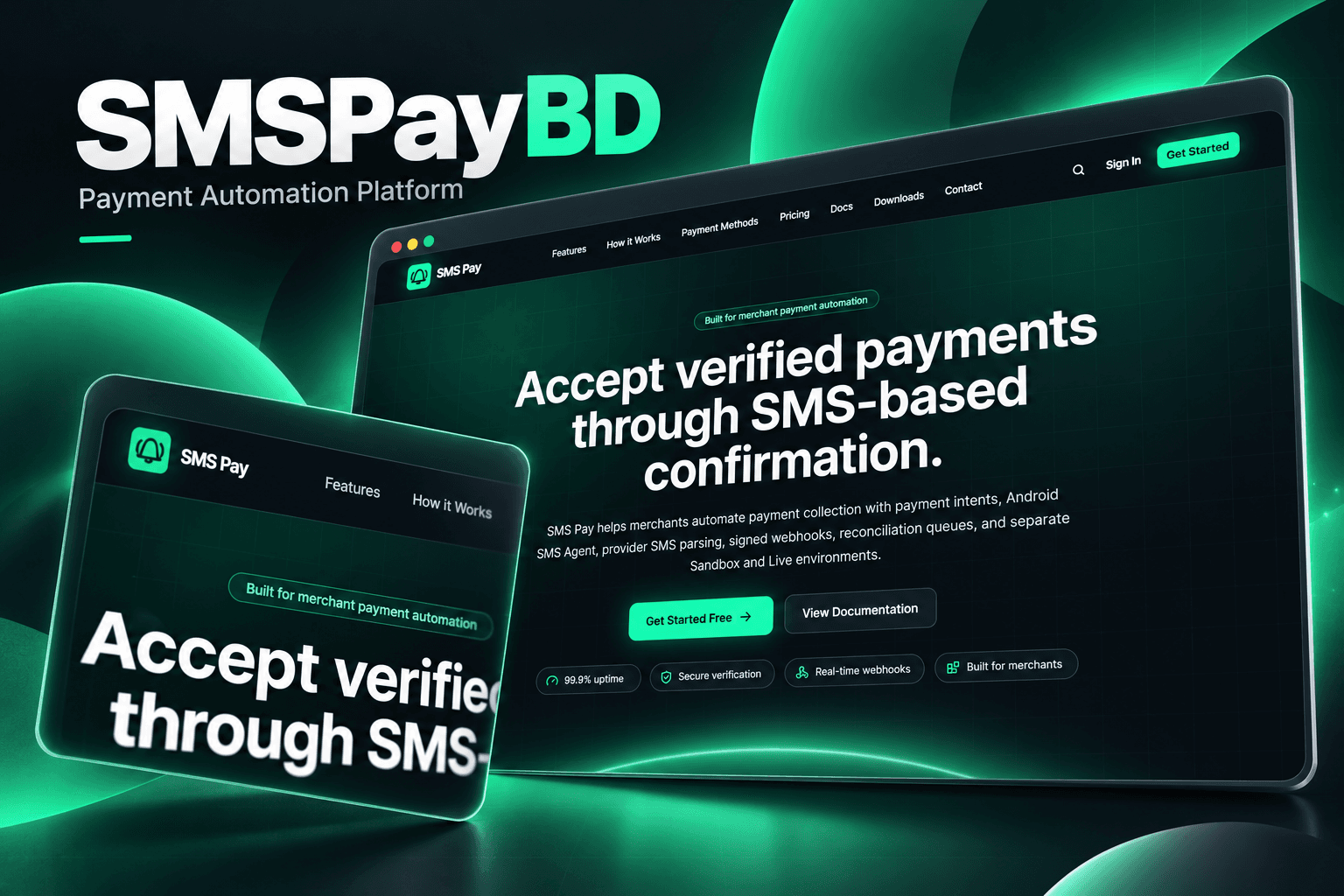
Full Stack · Fintech
SMSPayBD
Multi-tenant SMS Payment Reconciliation Platform
Next.js · NestJS · TypeScript · PostgreSQL

Full Stack · Dashboard
WeTrainEducation & Tech
A unified enterprise solutions platform for business growth
Next.js · TypeScript · Tailwind CSS · shadcn/ui
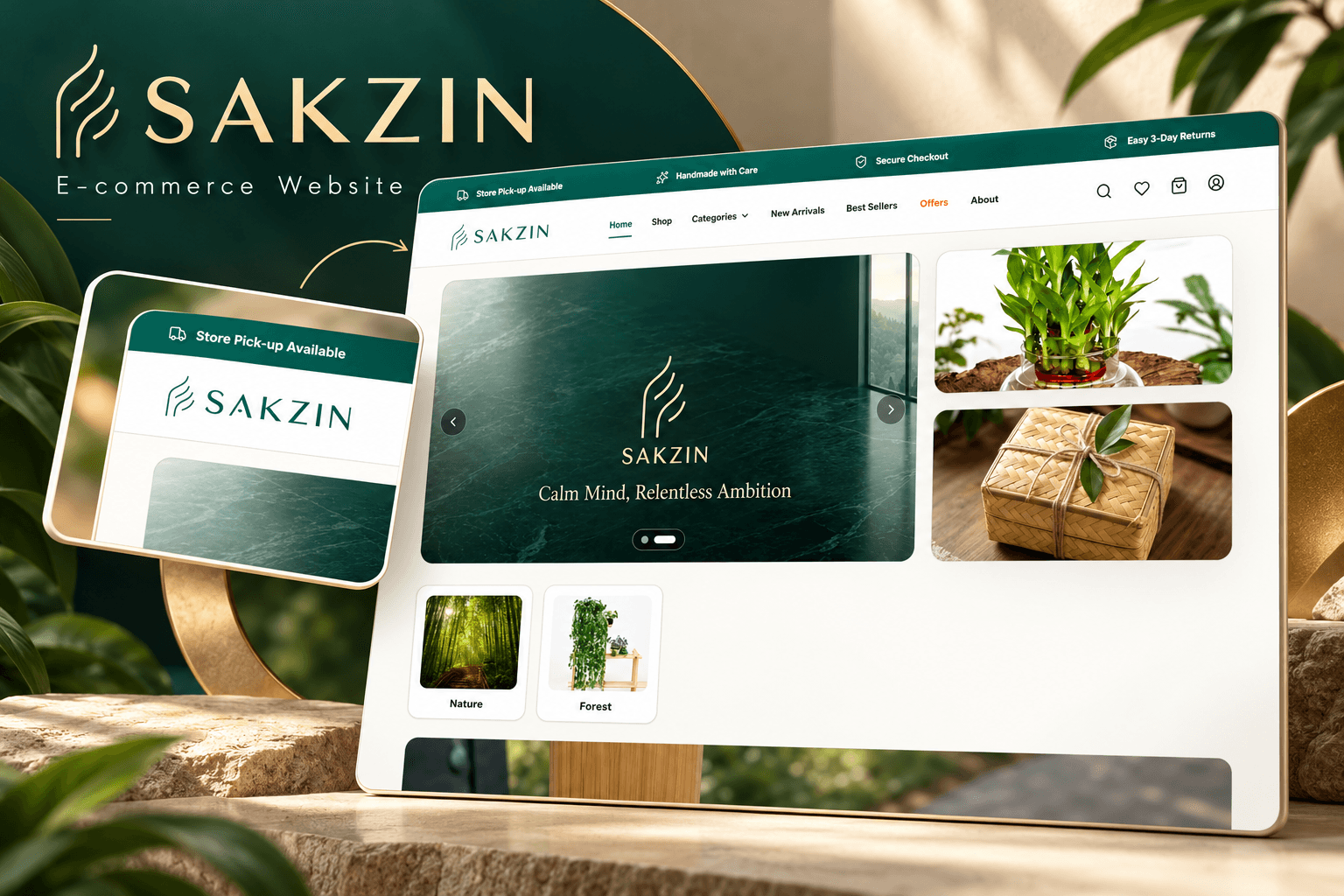
Full Stack · E-commerce
SAKZIN
Full-stack Commerce for Thoughtful Everyday Products
Next.js · React · TypeScript · Tailwind CSS
 Newsletter
Stay in the Loop
Occasional emails about new projects, blog posts, and what I'm building - no spam.